BASED ON SKETCHUP · FURNITURE DESIGN SYSTEM

Meet the Best
Design Tools.

ArchiWood Nest Furniture Design System

Built on SketchUp. SketchUp is made for creative design — expressing ideas freely and communicating with clients in real time. ArchiWood Nest fully inherits these strengths.

A free design workflow for designers, clear presentations for end customers, and more efficient tools for manufacturers.

  • Door·Wall·Cabinet as OneWhole-home solutions
  • What You See Is What You GetDesign equals production
  • Cloud ArchitectureSimple deploy · Secure data

WHY ARCHIWOOD

Five Reasons to Choose ArchiWood Nest

Empowering the furniture industry from design to production

01

Design is Production

End-to-End Flow

  • Renderings convert directly to production orders — seamless factory connection
  • WYSIWYG — the design process is the manufacturing process
  • One-click finish / color change
  • One-click hardware generation
  • One-click order reports
02

One-Stop Solution

Doors, Walls & Cabinets

  • Doors, wall panels, and custom cabinets in one integrated solution
  • Doors, walls, and cabinets work as one for a unified, beautiful space
  • Cohesive whole-home visuals — maximize function and style consistency
03

Flexible Modes

Multiple Design Modes

  • Design-driven production
  • Parametric modules, space division, free design, 2D to 3D
  • Convert native SketchUp models
04

Full Control

Design Visualization

  • 3D design visualization — WYSIWYG
  • Visualize any holes and grooves
  • Stay in control during design and client demos
05

Whole Home

Whole-Home Visual Design

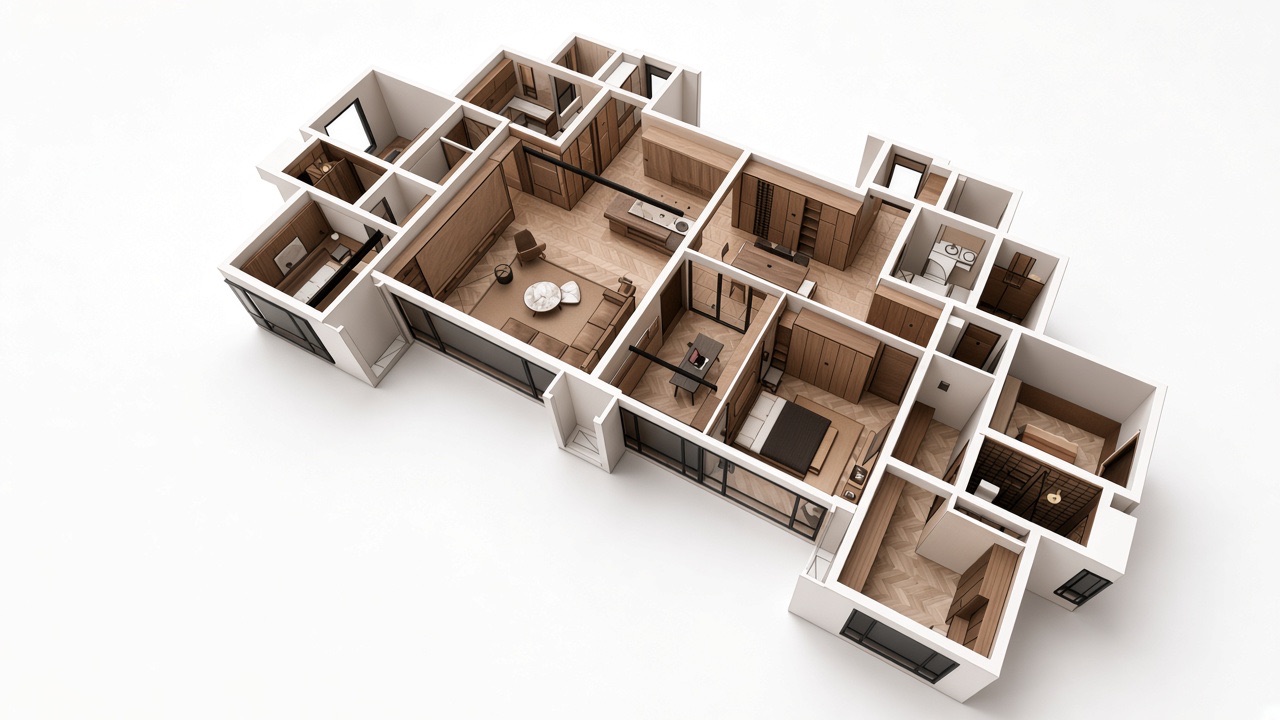
  • True whole-home design
  • Integrated door-wall-cabinet whole-home visualization
  • Control every detail in design and client presentations

MORE ADVANTAGES

More Core Benefits

From craftsmanship to the cloud — built for enterprise needs

Diverse Production Crafts

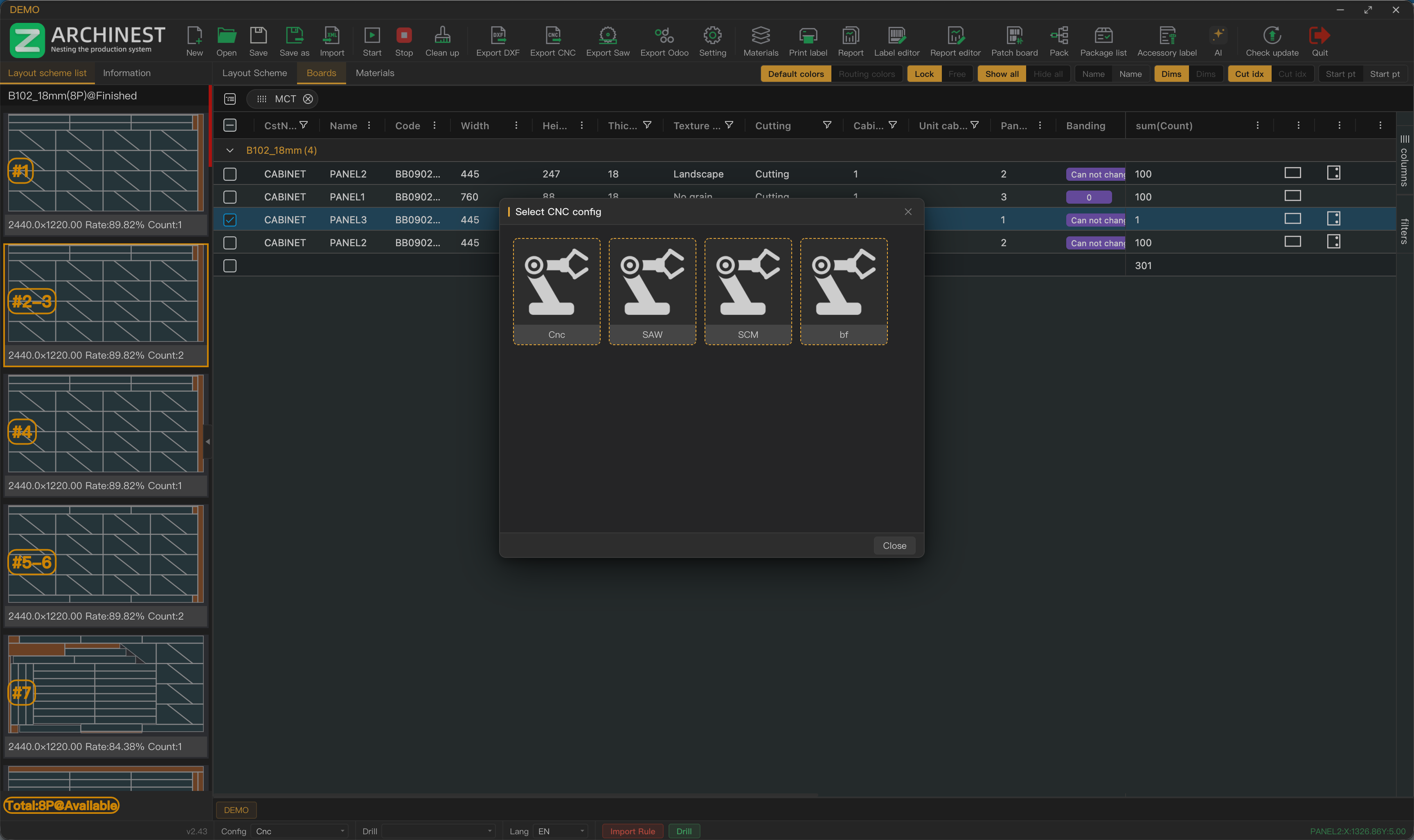
Supports cam locks, mortise-and-tenon, Wu-style invisible connectors, Lamello and all mainstream hardware crafts — including mixed production. Supports functional hardware locating holes and connects to domestic and international CNC equipment.
Cloud-Native & Lightweight

Designed on a cloud architecture from day one. Simple client install, no bulky local database — easy deployment and safer data.

One-Click Order Output

One-click finish change, hardware, and order reports. Ready for production as soon as design is done — shorten the path from proposal to order.

PRODUCTION

Nesting & Production

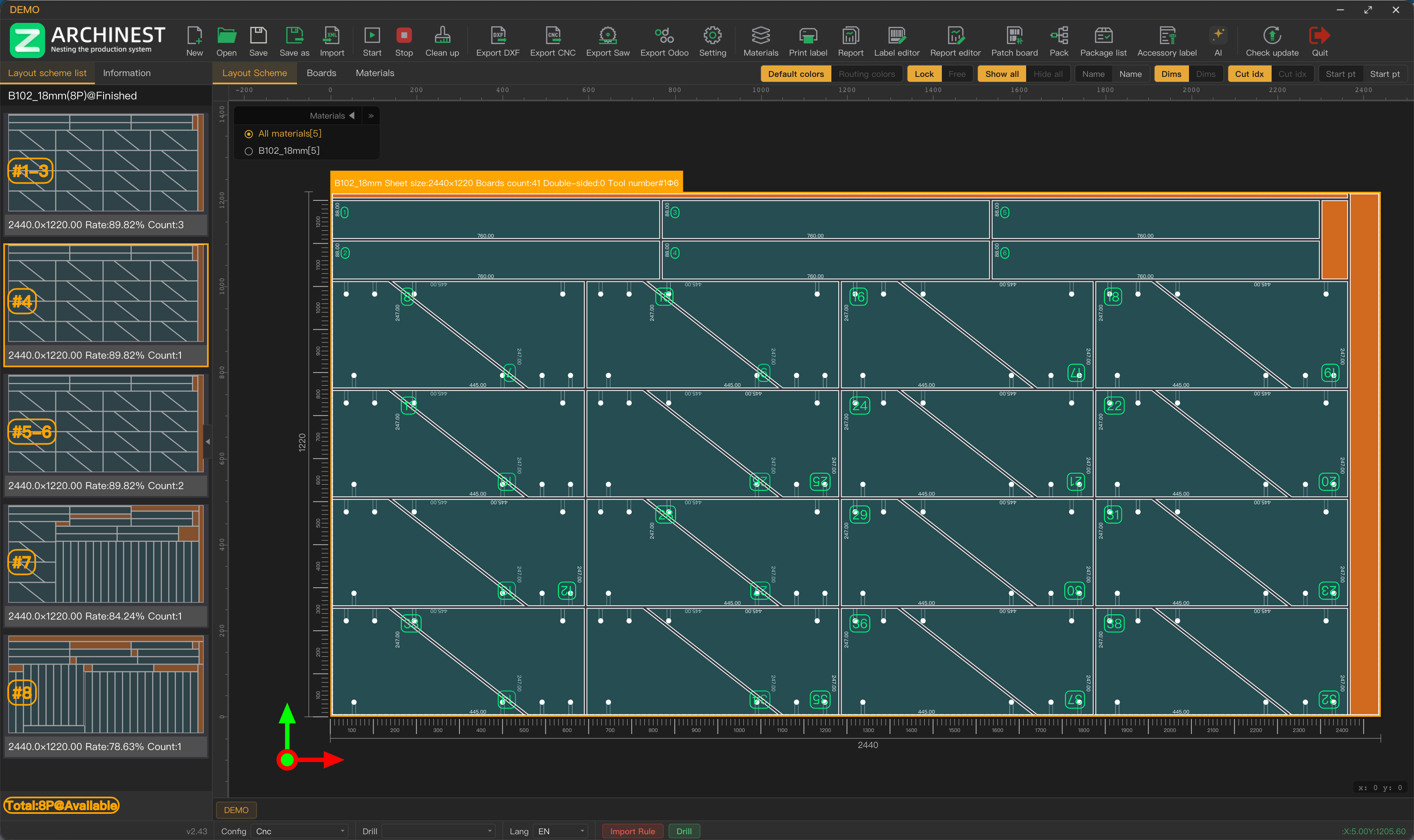
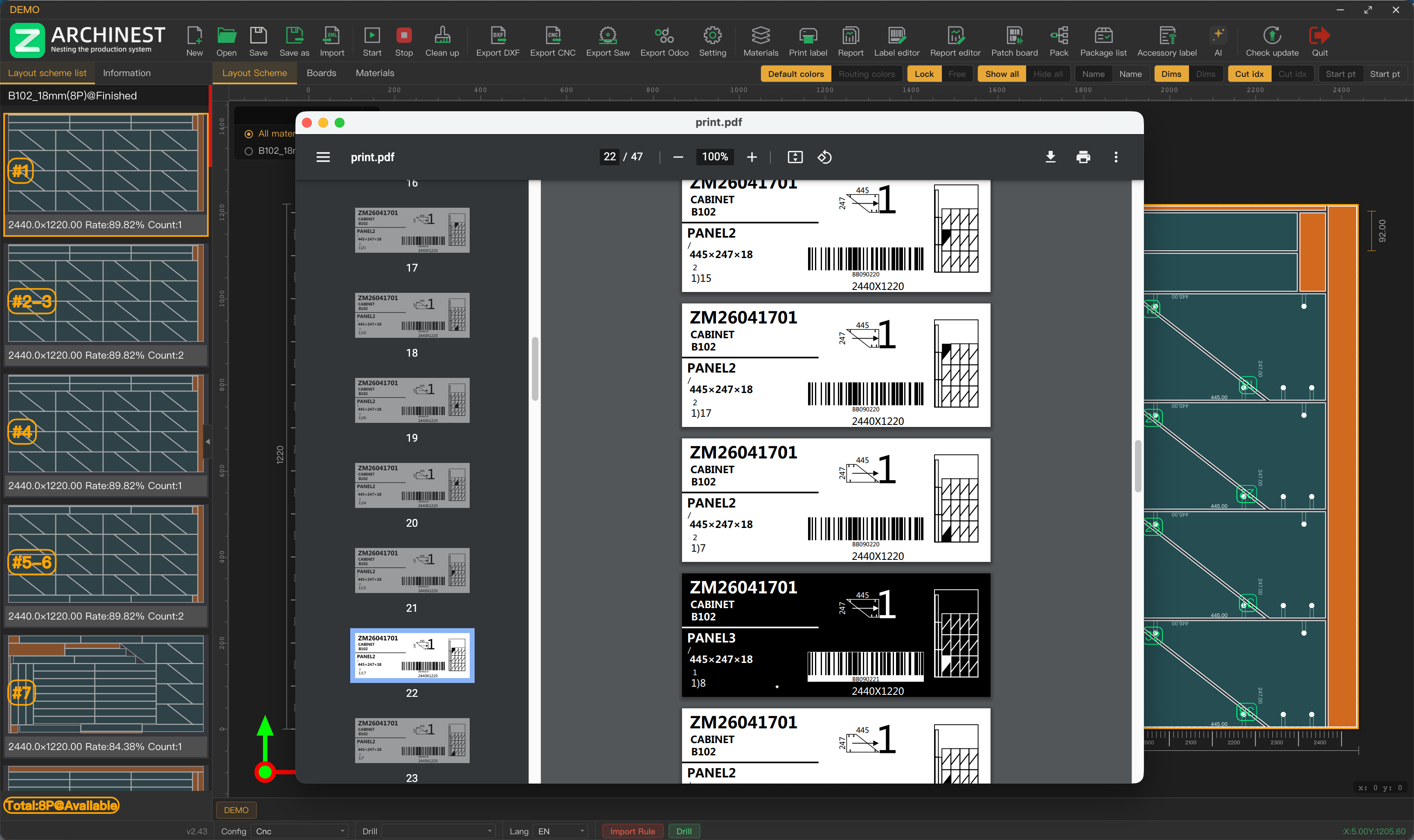
High yield nesting, labeling, multi-machine routing — boost factory efficiency

High yield nesting, nested layouts, and manual nesting

  • High material yield (at least 10% better than peers)
  • Irregular-shape nested layouts
  • Manual nesting supported

EDITIONS

ArchiWood Nest Editions

Choose the edition that fits your design and production needs.

Feature Design Seat Annual Design+Production Enterprise
Quotation / Reports
Project Data Management
Edge Banding Color Match
Custom Arc Panels
Edge Hole/Groove Preview
Model Review
Global Modules
Floor Plan Modeling
Kitchen Countertops
Accessory Models
Quick Design
Cabinet Tools
Editing Tools
Annotation Editing
Quick Drawings
Free Design / Modeling Tools
Defined / Irregular Modeling
Efficient CAD Drafting
One-Click Hardware
Super Disc
Super Toolbar
Local Material Library
Space Division
Hinge Installer
Door Panel Installer
Panel Management
Cabinet Management
Hardware Connector Mgmt
Connection Method Mgmt
Section Data Mgmt
Board Data Mgmt
Parameter Library Mgmt
Parametric Door Design & Mgmt
Parametric Hardware Models
Mobile Install Drawings
Production Orders
One-Click Panel Hole Maps
Professional Packing Software

✅ Included · ❌ Not included. Features may vary by edition — contact us for details.

FAQ

Frequently Asked Questions

Trial, customization, deployment, and system requirements.

Is there a trial version?

We do not currently offer a public trial. For evaluation, we provide video demos, detailed manuals, and remote meetings so you can quickly understand the system.

Do you offer customization?

Yes. We can deliver deeper customization such as specific feature modules or special deployment setups.

Can it produce renderings?

We offer a third-party real-time rendering system (sold separately). One-click renders, panoramas, and VR — and you can package scenes for clients.

How is the system deployed?

Cloud architecture with a simple client install and no bulky local database. Enterprise clients can use dedicated servers (client-paid); individual users share a regional cloud server.

What are the hardware/software requirements?

Minimum hardware: 8GB RAM, 2GB dedicated GPU, i5 CPU.

OS: Design and production clients support Windows 7+ and macOS.

Software: SketchUp 2017 or later.

Delivery, returns & refunds

Delivery: Installer is sent immediately after payment.

Returns/refunds: Generally non-refundable after sale, except when our fault prevents equipment connection or normal production — then a full refund applies.

CONTACT US

Let Us Serve You Better

Reach us by email or any channel below for demos and quotes.

Business Email archiwood.cn@gmail.com

ArchiNest Software Tech Limited

Ms. Pan